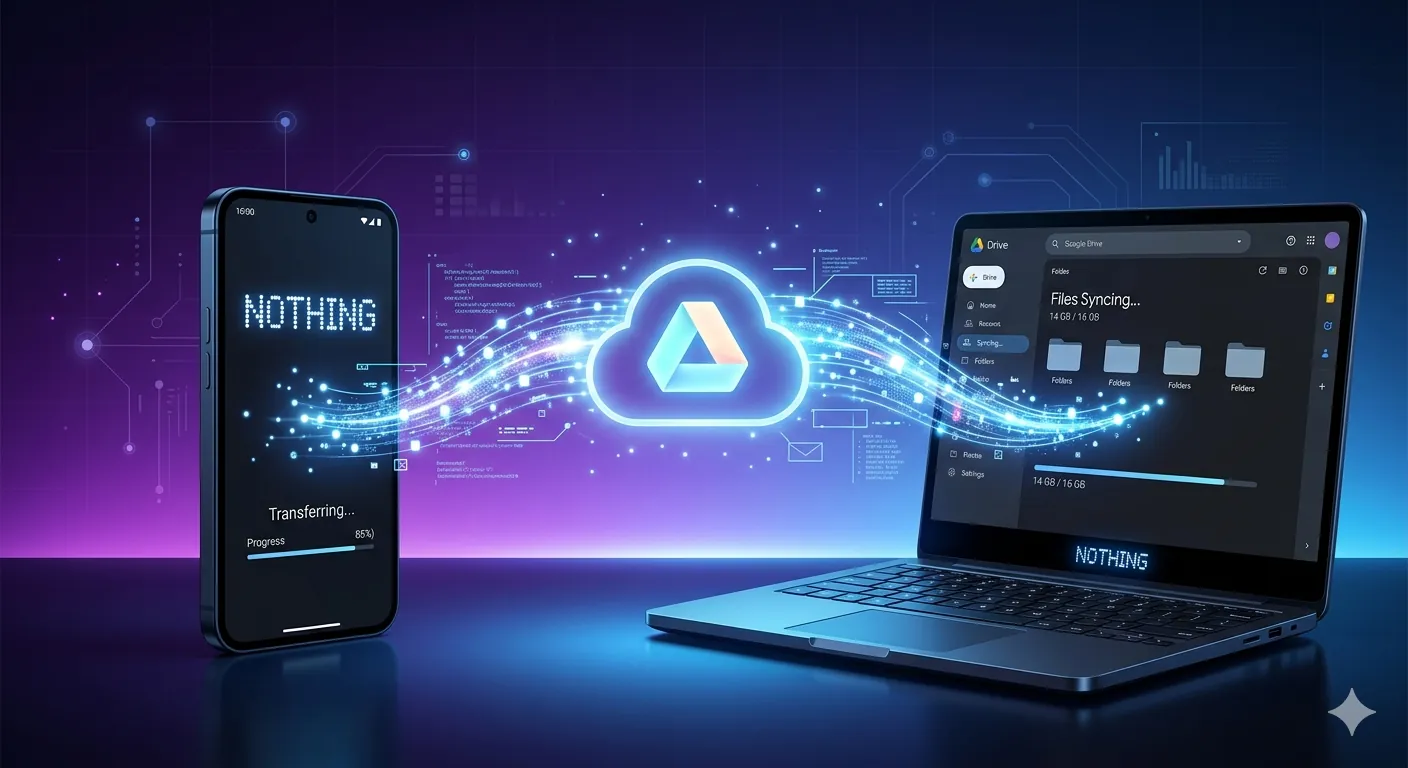
Nothing has been a standout company in the smartphone market because of the designs they have been using on their smartphones, and it has been successful so far. Yesterday, Nothing released an app called Warp that will send files between devices — not just files, but also text and links — through your Google Drive account.
Video Credits : 9to5google
In the era of AirDrop, Android has Quick Share and Apple has its own file-sharing system, AirDrop, and now everyone is trying to replicate AirDrop to work across devices. Nothing has come in the middle — let’s see how Nothing Warp works.
Video Credits : 9to5google
First, you need to download the Nothing Warp extension from the Chrome Web Store and then download the Nothing Warp app from the Google Play Store.
Once both are set up, here is how the transfer process works:
- Sign in with the same Google account on both your phone and browser extension.
- On your phone, select any file, text, or link and tap Share, then choose Nothing Warp.
- On your PC, click the extension and hit Upload to send a file to your phone.
- The file is uploaded to your Google Drive in the background as a temporary bridge.
- Once uploaded, you manually download it on the receiving device.
It is all a background process — you would not even know Google Drive is involved unless you check the permissions you gave Nothing Warp to access your Drive files. And since the file has to upload to the cloud and then download on the other end, the process is noticeably slow for larger files.
On the privacy side, Nothing does not store your files on its own servers. Everything routes through your personal Google Drive, so your data stays in your own hands — which is reassuring, even if granting Drive access still feels like a lot for a simple file transfer app.
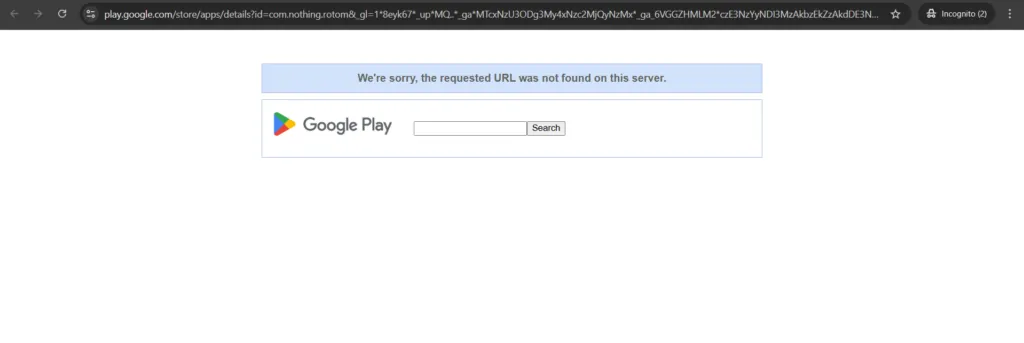
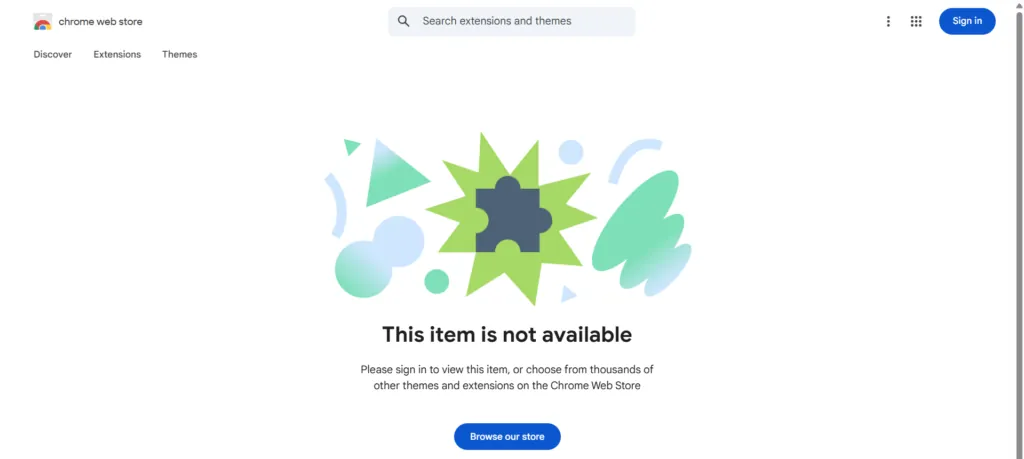
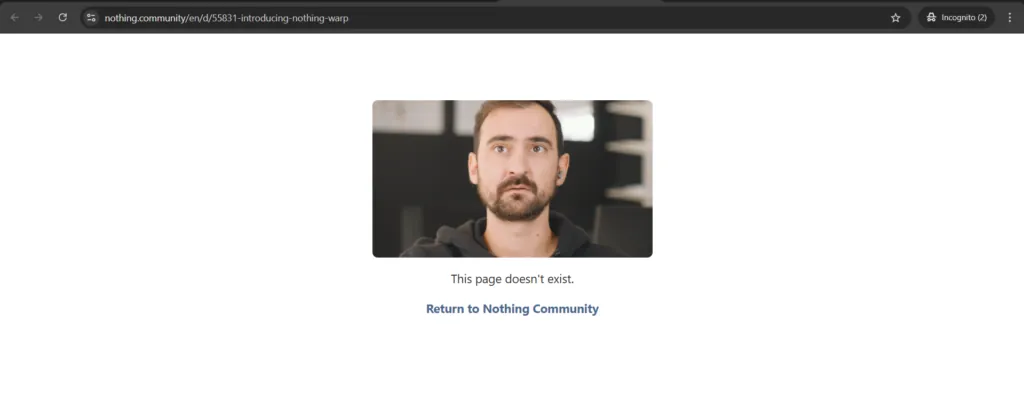
As it was released in beta, you can check it out. As I was writing this article this morning and was about to check it out the application myself to test it, I went to the Play Store to download it — it was gone. Then I went to the Chrome Web Store — it was gone. Even Nothing has deleted its blog post on the application launch from their website, and the application had totally vanished from the web entirely. We don’t know the reason why, and Nothing has also not commented on its blog regarding the deletion. One theory circulating online is that the app resembles an existing open-source tool, which could be behind the sudden takedown — but that remains unconfirmed for now.
But if you want a more feasible file transfer solution across your devices, LocalSend is the best option.