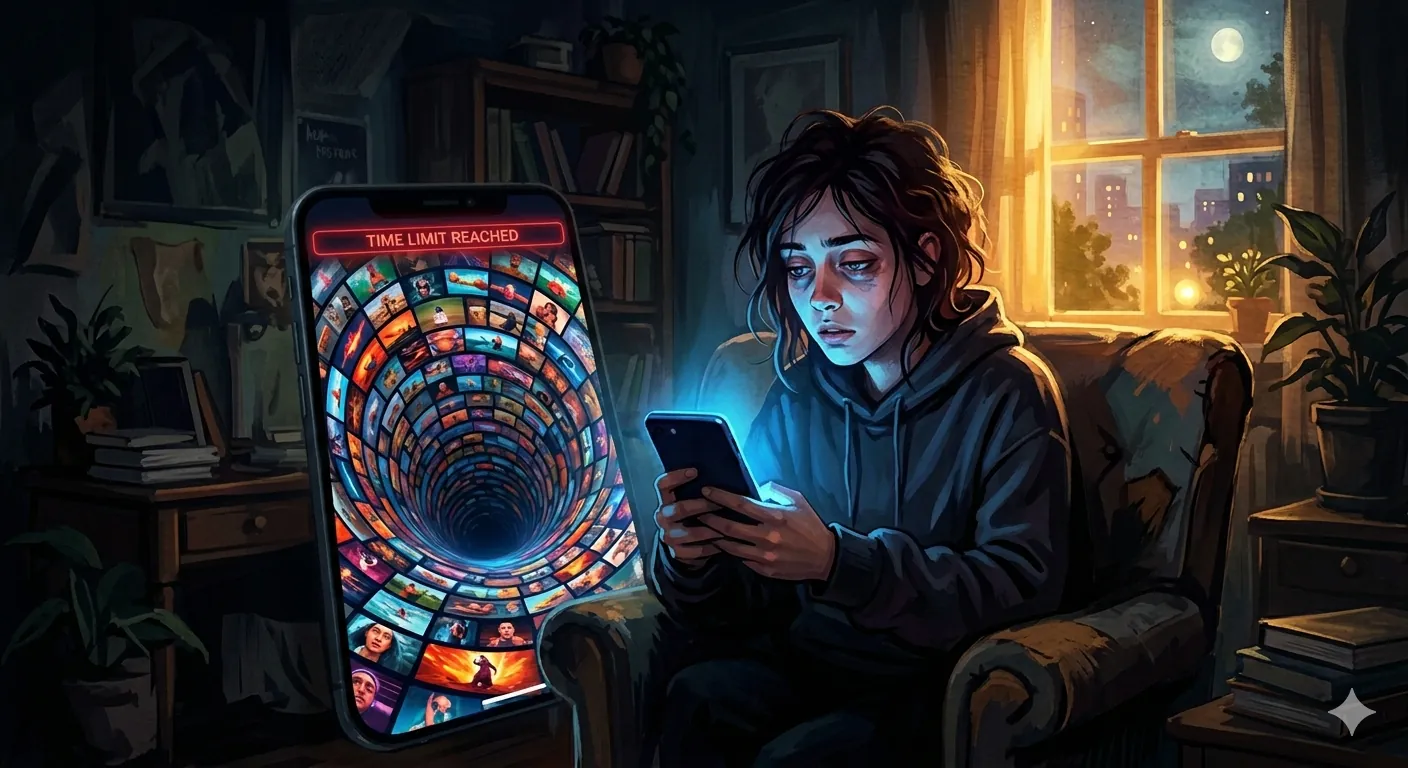
Doom scrolling is the habit of endlessly scrolling through negative or mindless content on your phone without being able to stop — and it has spread among us like the flu. If we pick up a phone, we go straight to Instagram, TikTok, Facebook, or YouTube. We watch short-form videos and scroll infinitely until we regain some consciousness to close the application, or someone disturbs us in the middle of our scrolling session. It will surely destroy our brains, as various researchers have said, but people are not stopping, regardless of age.
But you can discipline yourself by reducing your app time through digital well-being in your phone settings by setting a time limit for the application to automatically close when it reaches that limit — for example, 30 minutes a day or 20 minutes a day. Initially, it will be very hard to follow this, but you can surely do it.
Coming to the point, YouTube — the application itself has time management settings which allow you to set a time limit for short-form videos (Shorts). It was announced in October of last year to set a minimum time limit of 15 minutes, and later it was expanded in January to give parents parental controls so they can reduce the Shorts time limit to nearly zero, making it vanish from YouTube.
Now the option is live and available to all users, so they can reduce their Shorts time to zero. If they have set this to zero, they will not see any short-form videos on their YouTube home screen. And if you have set 15 or 20 minutes, when the time ends while you are scrolling, it will notify you: “Reached your Shorts feed limit.” But it is better to set it to zero.
To turn the timer off, follow the steps below:
- Open your YouTube application and go to Settings.
- You will find Time Management.
- Under Daily limit, you will find Shorts feed limit — set the feed limit to zero. That’s it! After that, you will not see Shorts on your home screen.