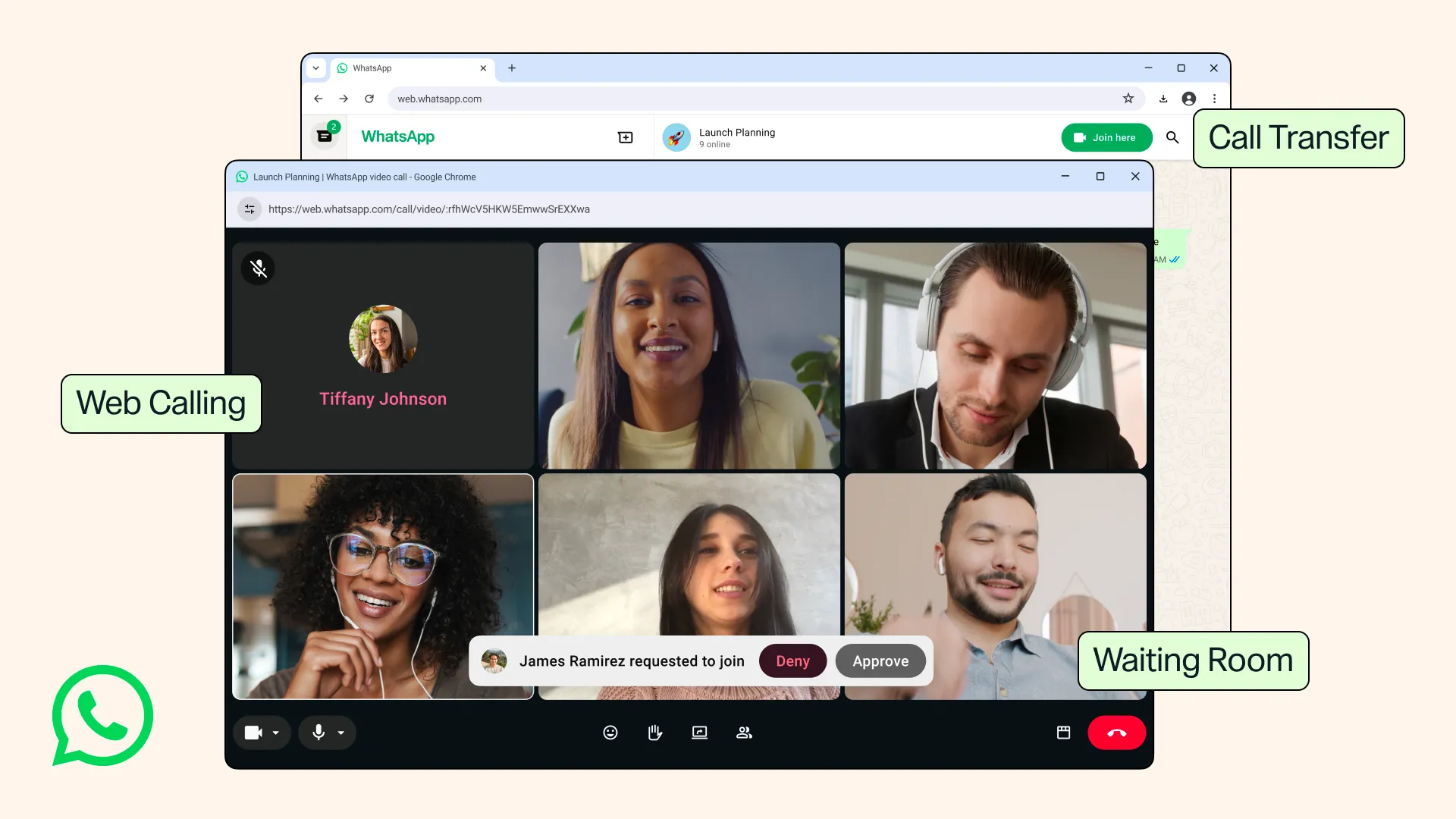
WhatsApp has introduced web calling on WhatsApp Web; you don’t need to download the application or anything, you just need to open WhatsApp Web, and you are able to call the user. This works for both one-on-one and group calls, with no time limit and no extra cost, just like on the mobile app.
Mostly when we are working, we will keep WhatsApp Web in one tab to quickly communicate with our friends or colleagues, but if we need to make a call, we need to move to our phone and then call the person; but now the burden has moved because you are able to make a call from the browser tab itself. And if you’re already on a call and need to switch devices, Call Transfer lets you move the call from your phone to the web or back again without hanging up or rejoining — handy if you started a call on your phone and then sat down at your desk.
And the call we are making from the tab is also end-to-end encrypted, and also you can have a waiting room for the group, deciding who can join and who cannot, and they have also introduced noise suppression, which will help us reduce the background noise around us and make the audio clearly reach the other end.
And also, they have introduced QuickHD, where you can be in high definition within a few seconds of the call. This is a video-specific feature — it’s about your video quality ramping up fast at the start of the call, not the audio.