A password manager is a tool that saves and manages your login credentials for different websites so you don’t have to remember them manually.
When we are browsing on our computer we have to login on some website to access our data and access some information related to us. if it is only one website we can remember the password, but if we are using multiple websites, that’s why browsers store the passwords. when the user opens any site to login if those passwords were already stored, we can easily login to the site, it is a very helpful way.
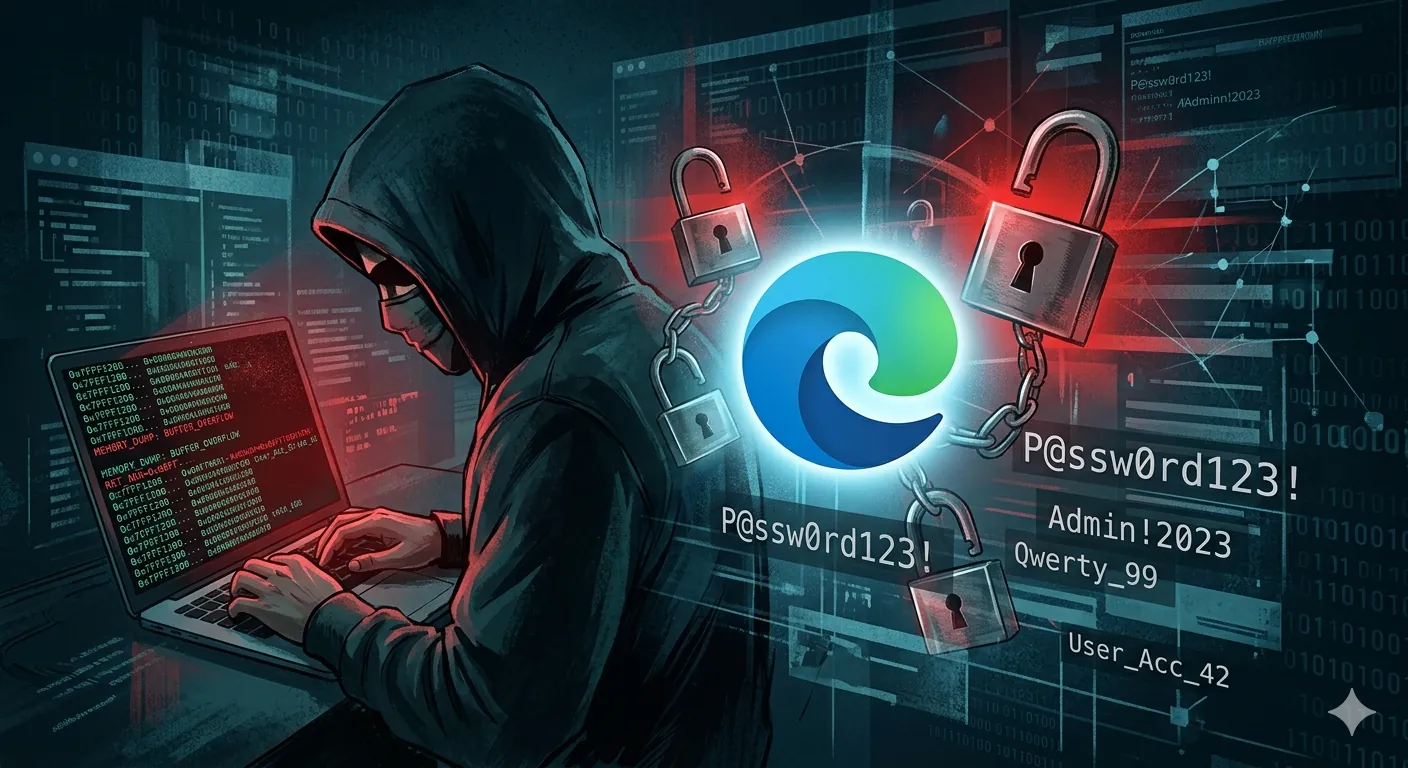
It is common in most of the browsers but in Microsoft Edge the saved passwords are stored in plain texts and also when the user opens MS Edge, it will decrypt all the passwords at once even if you never visited the particular site for example if you are visiting Twitter you will use auto fill method to login at the same time other social media website like Facebook or Reddit, all other passwords are visible in the memory if someone dumps Edge memory they can easily get all the passwords. Memory dumping basically means someone copies everything that is currently loaded in your computer’s RAM, and since Edge loads all passwords into memory at once, all of them become visible in that dump.
As it has been found out by the security researcher Rönnig who posted test code on GitHub that demonstrates any passwords saved in Microsoft’s password manager are saved in plain text in the Edge memory.
And also the security researchers if someone has access to your computer at a higher level they can easily dump the passwords or using any malware as well and the researchers also pointed out that Chromium browsers like Chrome only decrypt the passwords when the user actually needs to autofill the password on any website.
Microsoft acknowledged this and saying this is not a bug and claiming it was a design choice and saying the only problem is if the pc is already compromised then the user needs to worry. but here is the thing, even if you think you have nothing to hide, your banking accounts, email, and personal data are all stored in those passwords, and that affects everyone, not just specific people.
To prevent this don’t use the browser’s password manager use third-party password managers like Bitwarden they are very secure and do their job very well. If you want to switch from Edge to Bitwarden, first export your saved passwords from Edge by going to Settings > Passwords > the three dots menu > Export passwords, then create a free Bitwarden account, import that file, and after that, delete the saved passwords from Edge so they are no longer sitting in your browser memory.