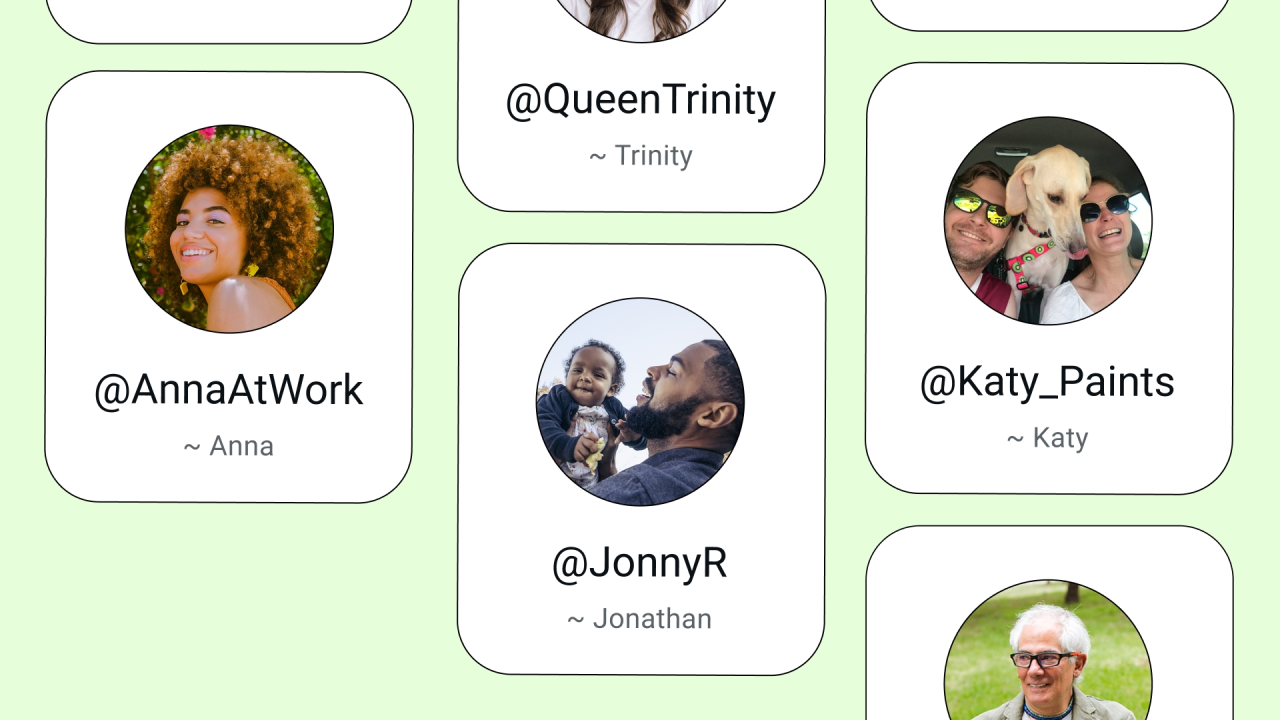
Whatsapp is used by billions of people around the world is going to introduce a new feature called usernames. We have heard it was previously found out by trackers such as WABetaInfo, who reported back in November 2025 that they were working on this feature. Now, after months of development, they are opening reservations this week, and the actual feature will roll out in phases rather than all at once — Wave 1 goes live July 7, 2026 in Algeria, Azerbaijan, Ghana, Libya, and Nepal, Wave 2 follows on July 20, and the rest of the world should see it from September 2026 onward. So if you’re outside those first countries, don’t expect it to show up immediately.
Starting this week, you will get a notification on your WhatsApp to reserve your username on your Android or iOS application, where you can reserve your name. You may ask, what is this username? A username is a simple feature where your friends or any random people can chat with you using this username instead of your phone number.
A few rules apply when picking one: usernames must be between 3 and 35 characters, can only use lowercase letters, numbers, periods, and underscores, and can’t start with “www.” or end in “.com” or “.net.”
But doesn’t this mean anyone could message you? Here’s the guardrail: Meta has implemented an optional username key, so only people who have both your username and that key can message you. It’s also worth knowing that WhatsApp isn’t building a public directory or search-by-name system — there’s no browsing usernames like on social media. People need your exact username to reach you in the first place, and if someone messages you without the key, it lands in a separate Requests folder instead of your main inbox.
For example, if your username is @jota, someone would need to know that exact handle to message you. If you enable the optional username key, they need to enter your username and the key, for example, 1234, something like that, and only then can they message you.
And to be clear, none of this is mandatory — usernames are completely optional. If you don’t set one up, nothing changes; your existing contacts will continue to see your phone number exactly as before.
To reserve your username on Android, go to Settings > Account > Username. On iOS, select your profile and tap Create Username. From that, you can have your own username.